
Built for Australian Engineering Professionals
AI-Powered Report Composer for
Forensic Engineering
and Plumbing CCTV Investigations
EvokeWrite is AI-powered report generation software for forensic engineers and plumbing CCTV inspectors. It extracts data from handwritten field worksheets and transforms rough site drawings into professional technical reports automatically. EvokeWrite reduces report turnaround by up to 80%, extracts 92+ data fields per worksheet, and retains zero client data — reports are delivered directly to the engineer's own cloud storage.
Modelled on real Australian engineering workflows — from forensic building assessments to plumbing CCTV inspections. Reduce report turnaround by up to 80%.
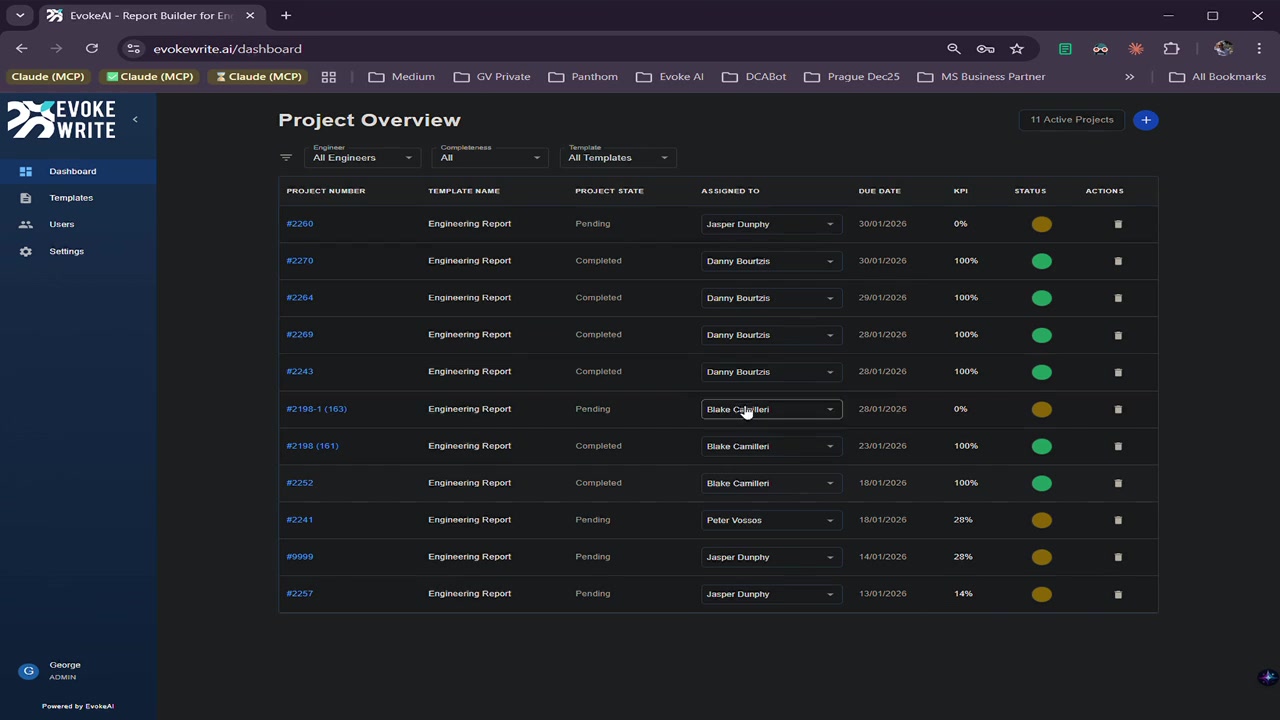
Transform handwritten worksheets and rough drawings into professional technical reports. Use Evokewrite standalone or integrate with your existing job management system.
Australian-hosted. Your data stays yours — we process, never store.
See EvokeWrite in Action
You're Not Looking for Another Point-Click-Annotate App
Most inspection apps digitize how you collect data. That's table stakes. Evokewrite automates how you produce reports.
| Capability | Point-Click-Annotate Apps | Evokewrite |
|---|---|---|
| Primary function | Digitize data collection | ✓ Automate report production |
| Output | Raw inspection data | ✓ Professional technical deliverables |
| Drawing handling | Photo markup | ✓ AI drawing beautification |
| Data storage | Vendor cloud | ✓ YOUR cloud only — zero retention |
| Integration | Proprietary systems | ✓ Open API + native connectors |
Built on Three Principles
AI Document Intelligence
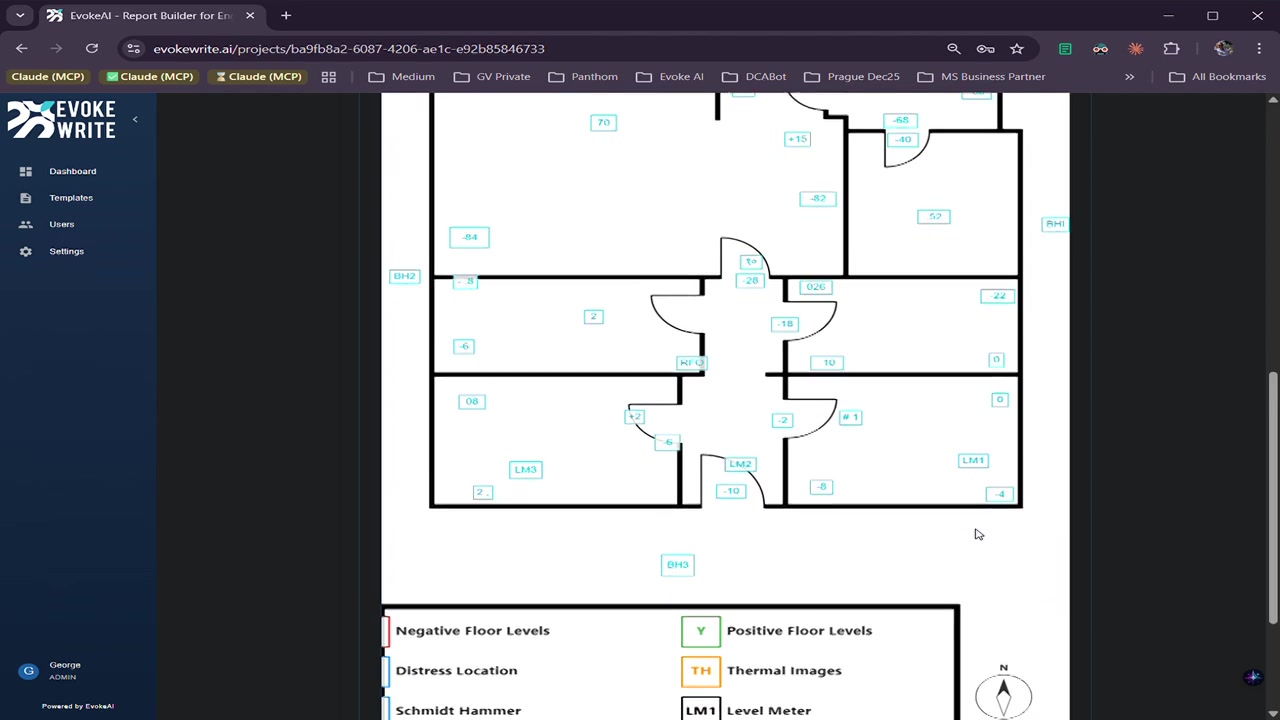
Extract structured data from handwritten field worksheets — automatically. Transform rough sketches into clean architectural diagrams with one click. Our AI does the tedious work so you can focus on the inspection.
Flexible Deployment
Use Evokewrite as your complete end-to-end report workflow, or integrate seamlessly with your existing job management system. Connect via ServiceM8, cloud storage, or our open API. Your choice.
Privacy by Design
Your client data never touches our servers. We process your worksheets and drawings, then deliver reports directly to your cloud storage. Zero retention. No copies. No vendor lock-in.
Solutions for Your Industry
Engineering Inspections
Structural assessments, distress mapping, level/bore/Schmidt Hammer workflows. Transform field data into professional engineering reports in minutes.
Learn More →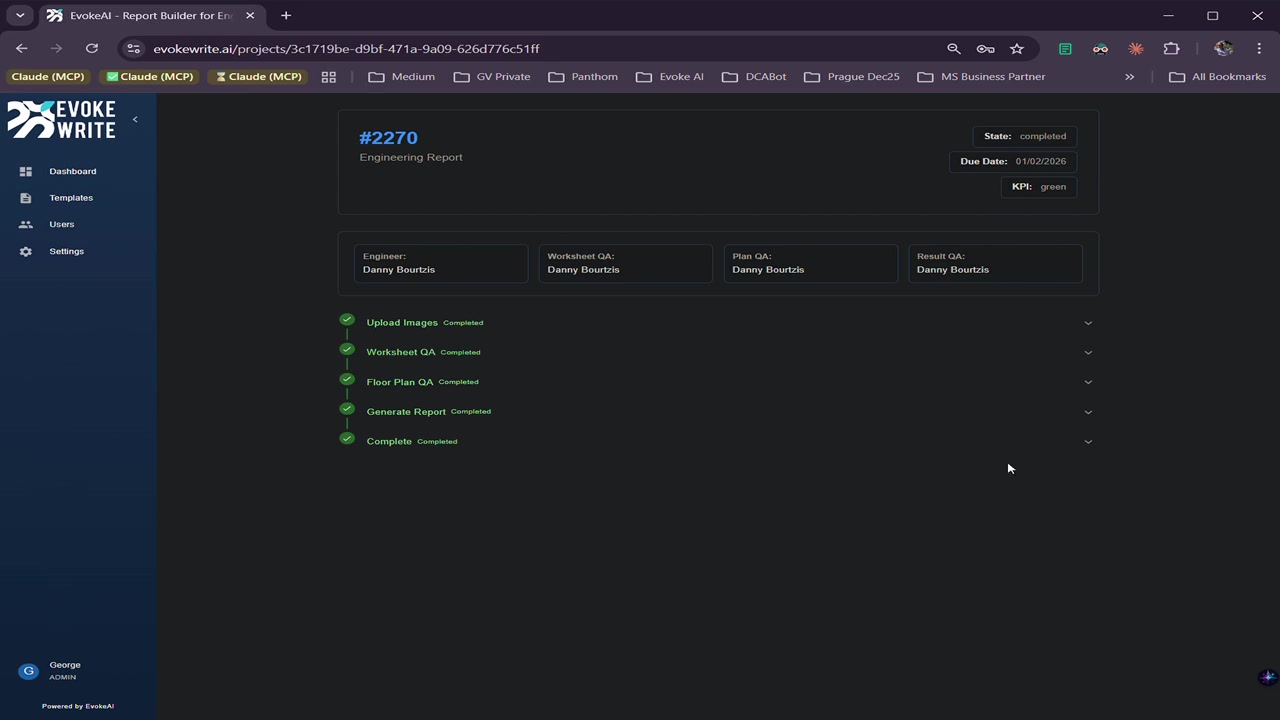
Plumbing Inspections
Professional plumbing inspection reports powered by AI. Join the waitlist to be notified when templates launch.
Notify Me →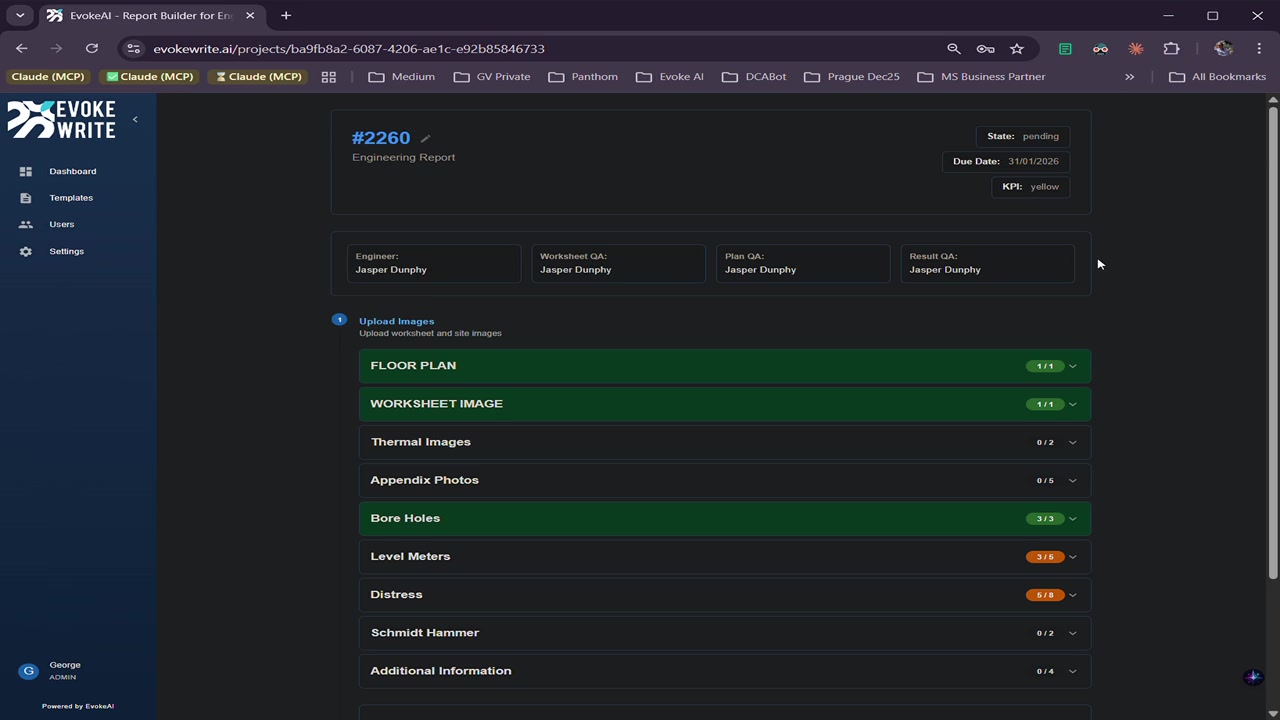
Building & Site Inspections
General condition reports and defect tracking for building inspections. Join the waitlist to be notified when templates launch.
Notify Me →From Field to Finished Report
Five steps. Minutes, not hours.
Upload
Worksheet, floor plan, site photos — or pull via integrations
Extract
92+ fields extracted automatically from handwritten worksheets
Annotate
Floor plan annotation plus AI drawing transformation
Review
Optional role-based QA checkpoints
Generate
One-click PDF delivered to your cloud
Evokewrite in Your Pocket
Capture, annotate, and sync from the field. Free on iOS and Android. Seamlessly connects with your Evokewrite Cloud workspace.
Join the Waitlist →Works With Your Existing Stack
"Evokewrite has transformed our reporting process. The AI extraction is incredibly accurate — it reads our engineers' handwriting better than we can."— Jasper Dunphy, Principal Engineer, Panthom Engineering
Ready to Transform Your Reports?
See how Evokewrite can reduce your report turnaround by up to 80%.